
Wired Connections Where You Need Them
Data & Low-Voltage Cabling
Need an Ethernet connection at a desk, camera, or wireless access point? We assess cable routes in homes and businesses across the San Francisco Bay Area. Testing and equipment setup are defined in the scope.
Request a callback →Eight Low-Voltage Systems We Install
Choose the connection locations first, then review cable routes, required tests, and the equipment handoff. Finished walls and shared spaces can affect the installation.

Network Cabling
Structured cabling is an organized set of network cables and connection points. Specify the cable category, such as Category 6 (Cat6) or Category 6A (Cat6a), with your technology provider.

Network Closet Wiring
Plan cable racks, connection panels, and equipment power around the equipment list. Cooling and backup-power requirements need their own scope review.

Camera Cabling
Power over Ethernet (PoE) carries power and data on a compatible network cable. Check the camera requirements and available network equipment power before choosing the cabling.
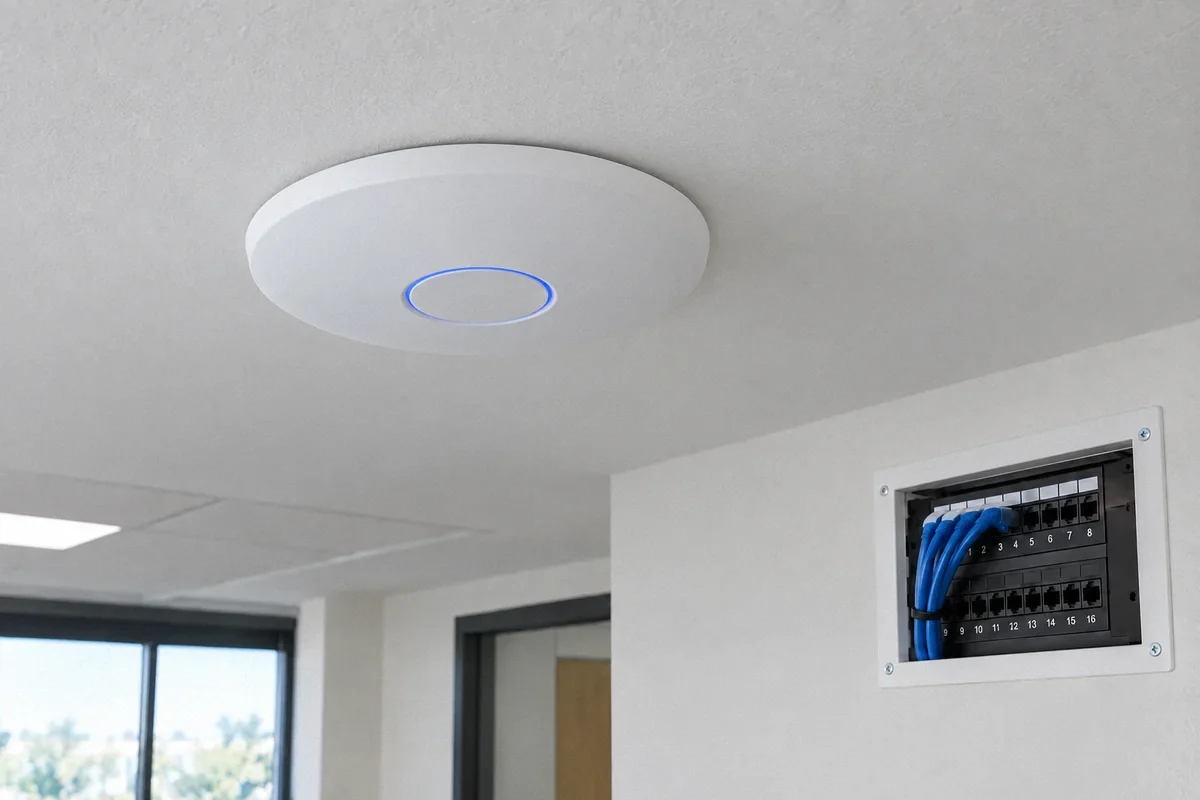
Wi-Fi Access Point Cabling
Run cable to the planned wireless access point locations. For coverage planning, equipment installation and configuration together, see our Wi-Fi & Network Services.

Home Office Ethernet
An Ethernet cable connects your desk equipment to the local network. We assess the route from your router area and explain any visible cable channel or wall opening needed.

Conference Room Cabling
Coordinate display, speaker, and control cable routes with the selected equipment. Check cable lengths and connection requirements before closing walls.

Phone & Intercom Wiring
Review the system specification for network or telephone cabling. Confirm equipment placement and testing responsibilities with the communications provider.

Access-System Wiring
Cable routes and power for door readers, controllers, and sensors need to match the security design. Programming and system activation require a separate assigned scope.
Design to Handoff
Agree on routes, connection points, test requirements, and the technology-provider handoff.
Plan Connection Points
Review the floor plan with your technology provider. Agree on cable types, outlet locations, routes, and the location of network equipment.
Install & Label
Install the agreed cabling and connection points. Identify both ends and discuss any route change or required opening before proceeding.
Check the Cabling
Specify the tests and required reports before installation. Basic wiring checks do not establish certified cable performance.
Hand Over Records
Provide the agreed outlet identifiers and test records. Network setup is handled by the provider named in the scope; Fox can include it through our Wi-Fi & Network Services.
Why Fox for Data Cabling
Testing Defined Up Front
Name the test method, acceptance criteria, and report format in the cabling scope.
Routes Reviewed Before Work
Consider accessible ceilings, finished walls, and visible cable channels before deciding how cables will reach each location.
Connection Points Identified
Labels at both ends help the technology provider match wall outlets to the central connection panel.
A Useful Handoff
Agree on the outlet list, cable identifiers, and test records your technology provider needs.
Power & Data Coordinated
Review network equipment power and cable routing together while keeping their installation requirements distinct.
Responsibilities Kept Clear
Define cabling, building repairs, equipment setup, and ongoing network support before work begins.
Data Cabling Questions
Which parts of a network project do you handle?
A cabling scope covers physical cable routes, outlets, connection panels, and agreed electrical power. Wi-Fi planning, equipment installation, configuration and maintenance can be included through our Wi-Fi & Network Services. Internet service remains with your provider.
How do we choose Cat6 or Cat6a?
Choose the cable category with your technology provider using the required network speed, route length, equipment, and installation conditions. The specified test standard should match that choice.
Can cable be installed without opening every wall?
Accessible ceilings, existing routes, or surface-mounted cable channels may provide options. We inspect the route and explain the visible finish and any openings before quoting the work.
Do you provide certified cable test results?
The proposal must specify the test method and deliverables. Certification measures installation performance against a defined standard using suitable equipment; it should not be assumed from a basic connection test or a tester brand name.
What determines the cost of cabling?
The number of connection points, route length, access, wall construction, cable type, and required testing affect cost. Share a floor plan and the equipment locations for an assessment.
Can you add a wired connection to a home office?
We can assess a cable route from the network equipment to your desk and specify the outlet and testing. A wired connection does not by itself resolve problems with internet service or the router.
Do you configure switches and routers?
Configuration is separate from cabling unless specifically included. Agree on who supplies, installs, configures, and supports each device before the cable work begins.
Discuss your project
Tell Us About Your Project
Choose a service, enter the project city, and share any details that may help us understand the work. You can edit these fields before sending the form.
Serving homes and businesses in the San Francisco Bay Area and Santa Cruz.
(650) 550-0719Fox Electric is the marketing name of Fox Electric LLC. CSLB #1145945, C-10.
Get in Touch
Need Network Cabling?
Tell us where the equipment is and where you need a connection. Call (650) 550-0719 or request an assessment.
Ask about the scope and fee for an assessment, diagnosis, or inspection before booking.
(650) 550-0719Related electrical guides
Continue with a guide that addresses the next planning decision.
Home Wiring
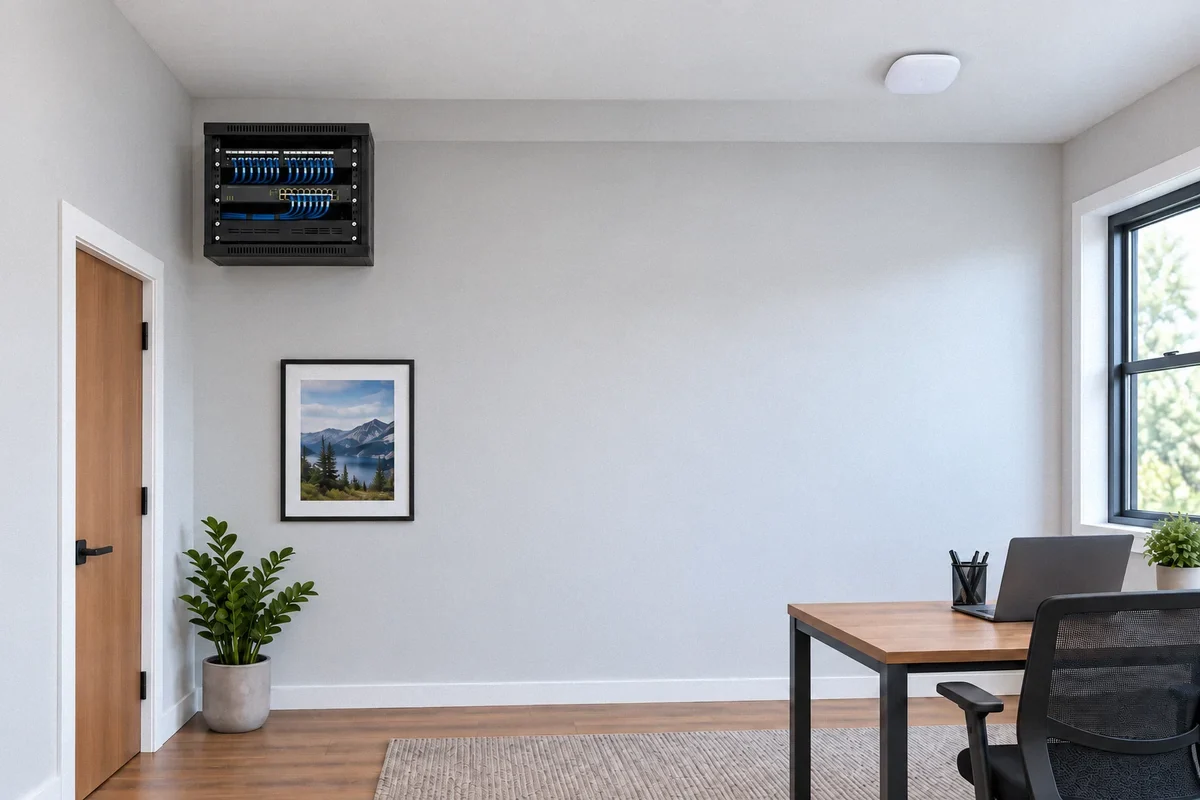
Home Network Wiring: Ethernet, Wi-Fi Access Points, and a Usable Plan
Structured cabling can support offices, access points, cameras, and media equipment. Start with the connections you need and how they will be tested.
Read the guide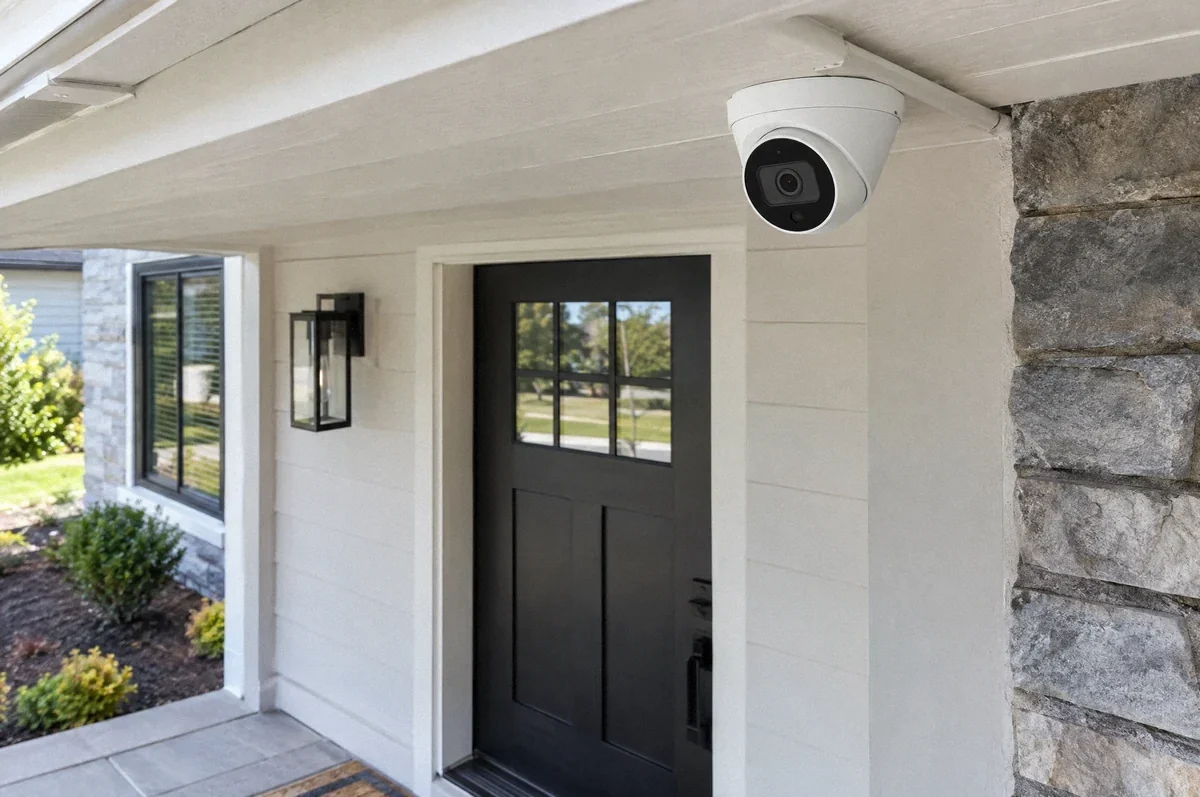
Home Wiring
Security Camera Wiring: Power, Cable Routes, and Recording Requirements
A useful camera installation coordinates the viewing area with power, protected cabling, recording, and the handoff to the system provider.
Read the guide