
Power & Cabling for Security Equipment
Security & Access Control Wiring
Plan camera, door reader, and doorbell wiring around the selected equipment. We review power and cable routes in the San Francisco Bay Area, with software and system activation assigned separately.
Request a callback →Eight Systems We Wire and Power
Agree on electrical wiring and power separately from security programming. Your security provider should confirm the equipment and complete-system testing responsibilities.

Network Camera Cabling
Power over Ethernet (PoE) supplies power and data through compatible network cabling. Select cable routes and power sources using the camera specifications.

Recording Equipment Power
Review power, network, and ventilation requirements for the recording equipment. Backup power is a separate design choice with its own capacity and runtime limits.

Door Access Wiring
Run the specified cables between door readers, controllers, and power supplies. Confirm equipment details with the security provider before installation.

Electric Lock Connections
Coordinate lock power and control wiring with the approved door design. The hardware provider and design team must establish operation during outages and emergency exit conditions.

Doorbell Camera Wiring
Check the selected model against the existing wiring and transformer, which supplies lower-voltage power. Account setup and wireless connectivity are separate items to confirm.

Intercom Cabling
Review the entry points, unit connections, and equipment requirements with the intercom provider. Agree on cable routes and labeling before work starts.

Gate Equipment Power
Coordinate power and control connections with the gate contractor. Gate operation, protective devices, and system testing remain with the assigned specialist.

Door & Motion Sensors
Use the security design to locate sensor cables and controller connections. The security provider configures detection and verifies system behavior.
Survey to Handoff
Confirm the system design, install the agreed wiring, and coordinate equipment activation.
Review the System Plan
Confirm camera and door locations, equipment specifications, power needs, and cable routes with your security provider.
Install the Agreed Wiring
Run the specified power and control cabling. Discuss concealed and surface-mounted route options before opening finished surfaces.
Check Electrical Connections
Perform the electrical and cable checks defined in the proposal. Agree separately on any certified network cable testing.
Coordinate Activation
Hand over cable identification and agreed records. The security provider programs equipment and tests the complete system within its scope.
Why Fox for Security Wiring
Cable Routes You Can Review
Compare concealed routes with visible protective channels and discuss finish repairs before installation.
Equipment Specifications First
Use the actual camera, reader, lock, and controller requirements to select wiring and power.
Testing Responsibilities Defined
Separate cable checks from programming, recording tests, and complete door-system testing.
Connections Identified
Agree on cable labels and records so the security provider can trace each device connection.
Building Access Planned
Coordinate work around occupied areas and identify any interruption to doors, cameras, or related systems.
Clear Integration Boundaries
Assign software, accounts, door hardware, and emergency-system interfaces to the appropriate project participants.
Security Wiring Questions
What is included in the electrical scope?
Specify cable routes, power supplies, electrical circuits, and connection points in the proposal. Camera settings, recording policies, user accounts, and access software belong to the security provider unless explicitly included.
Does the equipment brand affect the wiring?
Yes. The exact model determines cable and power requirements, connections, and operating limits. Supply the manufacturer specifications and security design before wiring is selected.
Does security wiring need a permit?
Confirm requirements with the local building department for the actual scope. New power circuits, door hardware, wall penetrations, and connections to fire alarms or emergency exit systems may involve reviews beyond the camera cabling itself.
Can you assess a whole-building wiring project?
Share the floor plans, equipment schedule, door details, and security-provider contact. We review access and cable routes before defining which installation work we can take on.
What affects the schedule?
Route access, finished surfaces, equipment delivery, building permissions, and coordination with the security provider determine the sequence. Confirm any periods when doors or cameras may be unavailable.
Can you wire a residential doorbell camera?
We can review the selected model and its wiring and transformer requirements. Confirm who handles device setup and wireless-network issues; those are separate from providing suitable power.
Discuss your project
Tell Us About Your Project
Choose a service, enter the project city, and share any details that may help us understand the work. You can edit these fields before sending the form.
Serving homes and businesses in the San Francisco Bay Area and Santa Cruz.
(650) 550-0719Fox Electric is the marketing name of Fox Electric LLC. CSLB #1145945, C-10.
Get in Touch
Planning Security Wiring?
Share the property location, equipment list, and security-provider details. Call (650) 550-0719 or request an assessment.
Ask about the scope and fee for an assessment, diagnosis, or inspection before booking.
(650) 550-0719Related electrical guides
Continue with a guide that addresses the next planning decision.
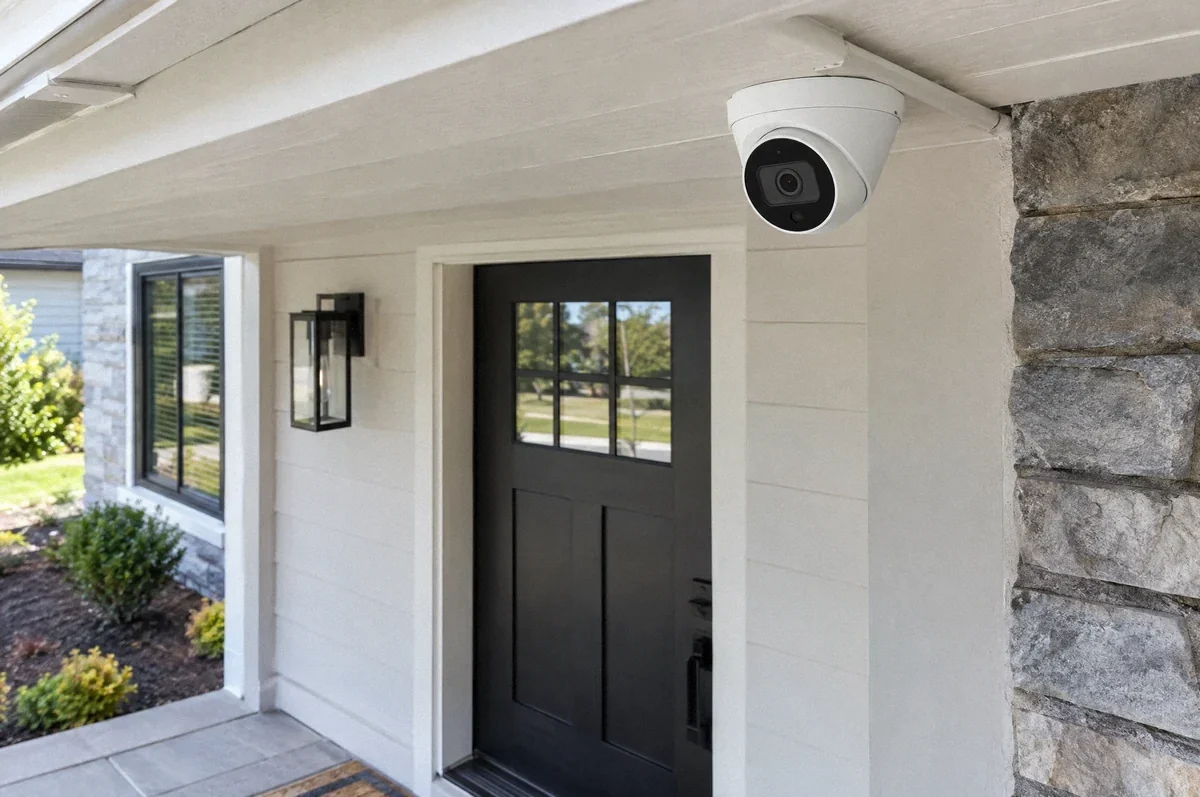
Home Wiring
Security Camera Wiring: Power, Cable Routes, and Recording Requirements
A useful camera installation coordinates the viewing area with power, protected cabling, recording, and the handoff to the system provider.
Read the guide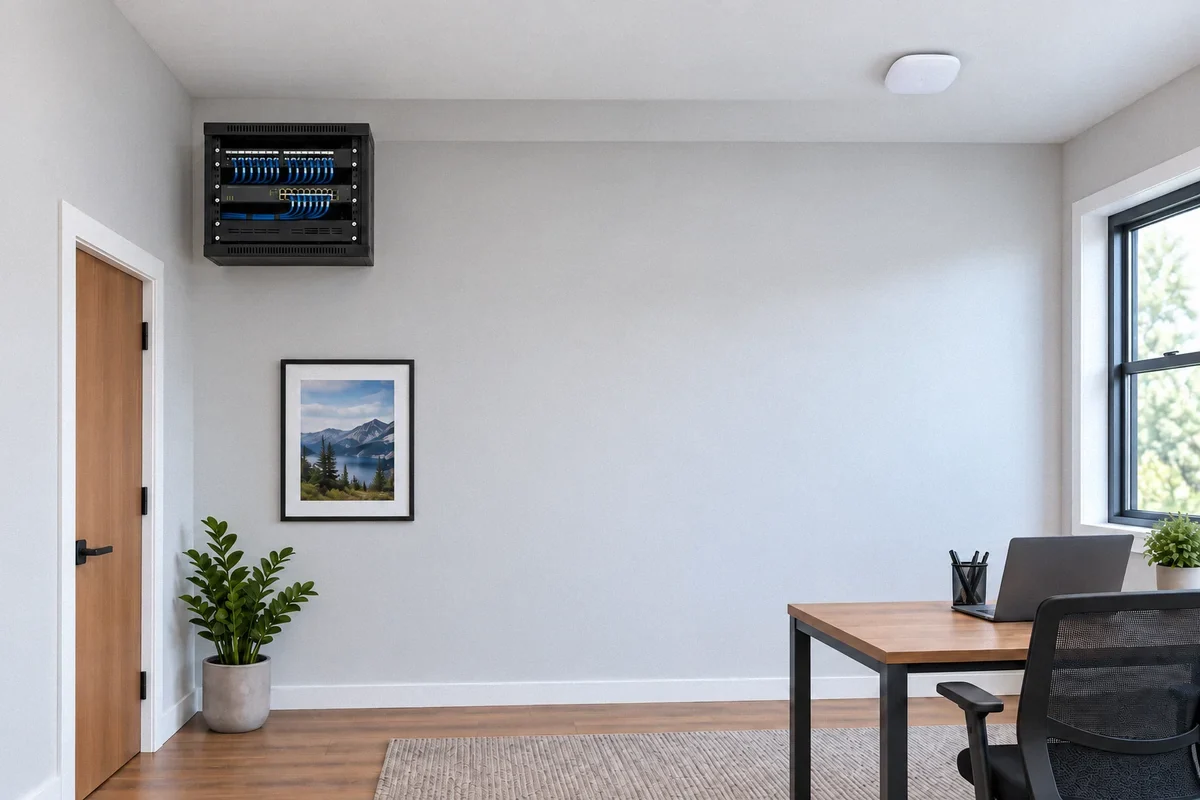
Home Wiring
Home Network Wiring: Ethernet, Wi-Fi Access Points, and a Usable Plan
Structured cabling can support offices, access points, cameras, and media equipment. Start with the connections you need and how they will be tested.
Read the guide