Check the available cable routes first. Mesh with Ethernet connections and dedicated wired access points can both work well; a wireless mesh system is useful when suitable cabling is unavailable.
Understand the connection behind the Wi-Fi
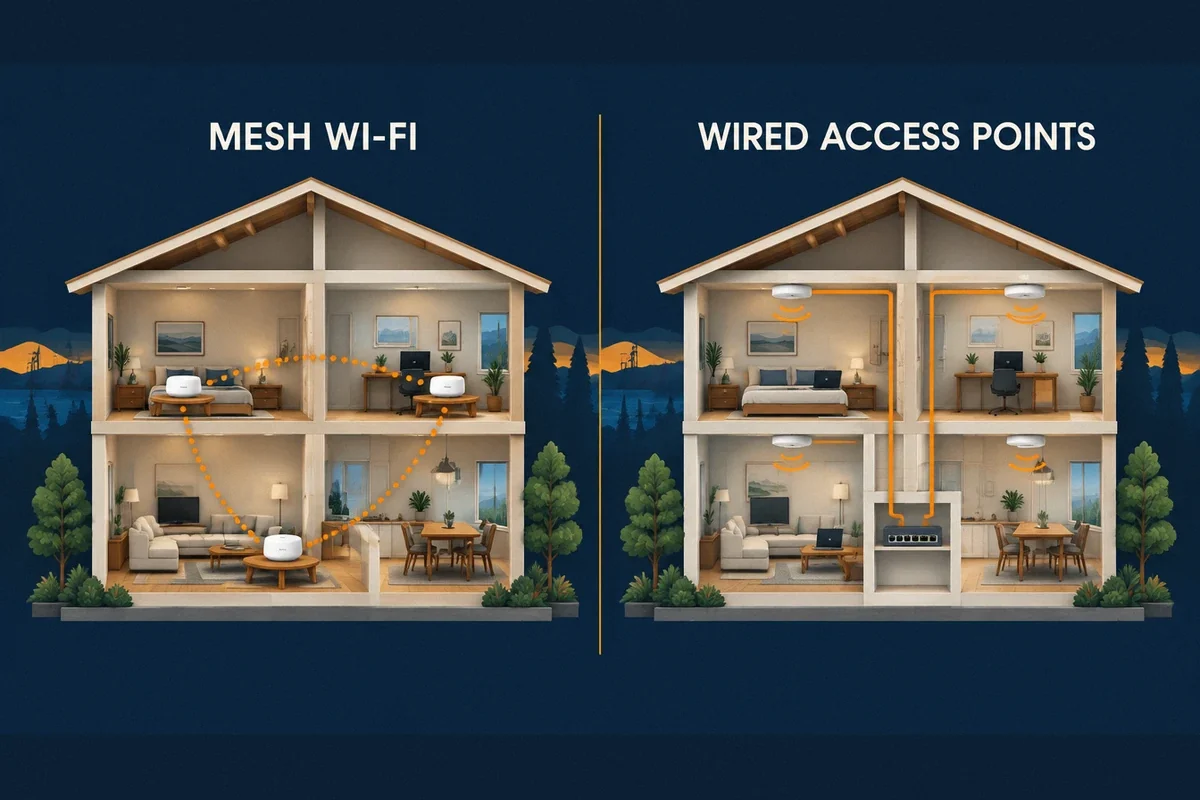
An extender receives a wireless connection and makes coverage available farther away. A mesh system coordinates multiple Wi-Fi units through a common management system. A wired access point connects to the network through Ethernet and provides wireless coverage near its location.
The connection carrying traffic from a remote unit back toward the router is called backhaul. It may use a cable or a wireless link. A mesh label does not tell you which one a particular installation uses. Many mesh systems support Ethernet backhaul, although some models or individual points do not have the necessary ports.
This distinction explains why a well-known mesh brand can perform differently in two homes. One installation may connect every unit by cable; another may pass traffic through several wireless links and thick walls.
Match the approach to the property
Start with the places that need service and the available routes between them. Then choose the equipment that fits those conditions.
- Extender: worth considering for a modest coverage gap when it can receive a strong upstream signal. Test the actual room before treating it as a permanent solution.
- Wireless mesh: useful when running cable is difficult and suitable locations exist between the router and the rooms that need coverage.
- Mesh with Ethernet backhaul: useful when you want a unified consumer app and can connect compatible units by cable.
- Wired access points: useful for planned coverage, multiple floors or a network that needs more configuration control. Include the router, switches and management requirements in the proposal.
Avoid three expensive buying mistakes
First, do not choose a node count solely from the square-footage claim on a box. Coverage depends on placement, construction and the devices using it. Extra units are not a substitute for checking the connection between them.
Second, verify Ethernet support on every proposed model. Google documents different wiring options for its products and notes that some points cannot be wired. Also confirm where any network switch belongs in the manufacturer’s supported layout.
Third, do not assume that different brands or generations form one coordinated mesh. Equipment that can join the same local network may still need separate management or lack the roaming behavior you expect. Check compatibility before ordering.
Look beyond the speed printed on the box
A wireless backhaul shares radio resources and is affected by distance, obstacles and other traffic. The result is not a universal rule that every mesh connection loses exactly half its speed. Radio design, channel use and the number of wireless hops change the outcome.
A wired link removes that particular wireless dependency, but it cannot fix a slow provider connection, an unsuitable router or a client device with limited capabilities. Likewise, a new Wi-Fi generation does not upgrade the hardware inside an older laptop.
Test both coverage and the activity you care about. A home office may need consistent calls more than a high peak download result. A small business may need a stable printer connection and a separate guest network as much as raw throughput.
Ask for a complete installation scope
A useful proposal identifies equipment models, mounting locations, cable routes, wall repairs, setup responsibilities and the tests included at handoff. If existing outlets will be reused, establish where they lead and how their operation will be checked.
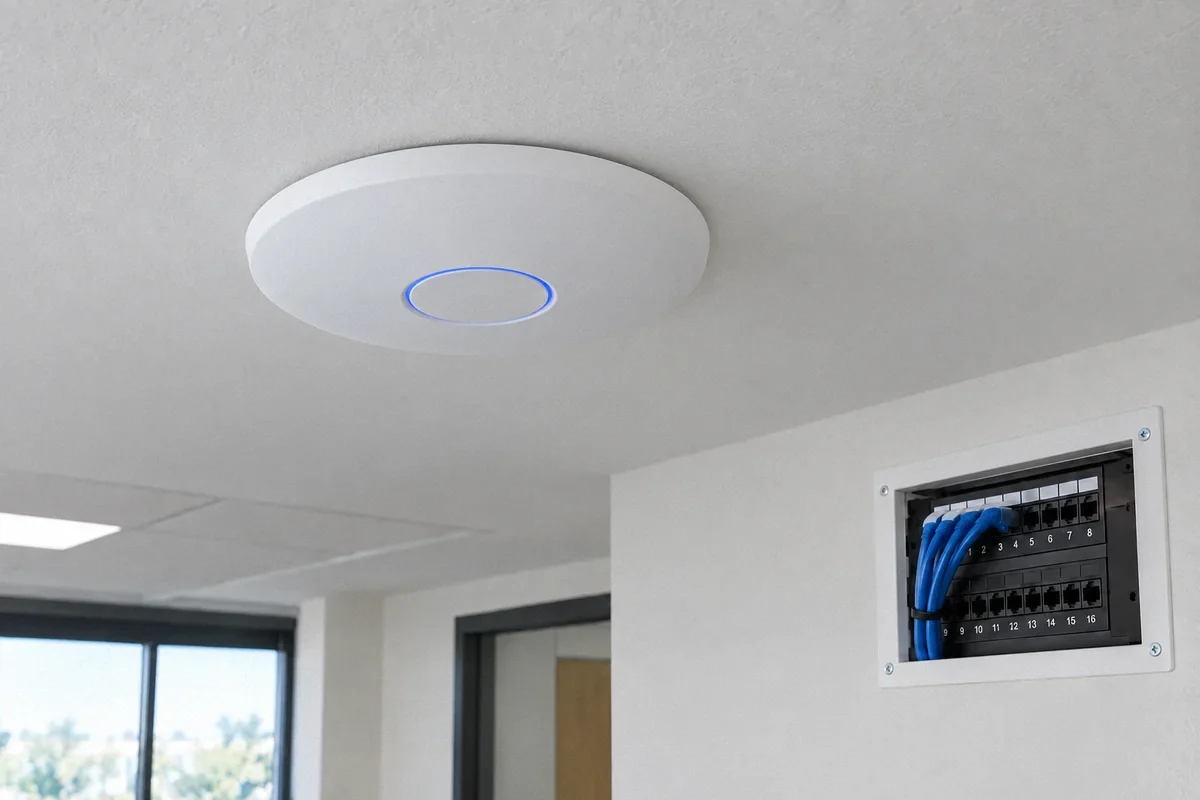
For ceiling access points, include the power method. Power over Ethernet, or PoE, supplies compatible equipment through its network cable; the access point and power source must match. Do not assume that every switch can provide power.
Fox Electric can assess the network you already have and compare a limited improvement with a larger installation. Keep working equipment when it fits the plan. Choose the smallest supported arrangement that meets the agreed coverage and usage needs, then document how to manage it.
Sources and further reading
Technical references reviewed September 27, 2026. Menus and supported features vary by equipment model and software version.
- Google: supported Ethernet connections for Wi-Fi equipment
- Ubiquiti: considerations for wireless mesh networks
Customer question: A homeowner compares wired mesh with access points. This community discussion illustrates the problem; it is not a verified diagnosis or a Fox Electric customer review.