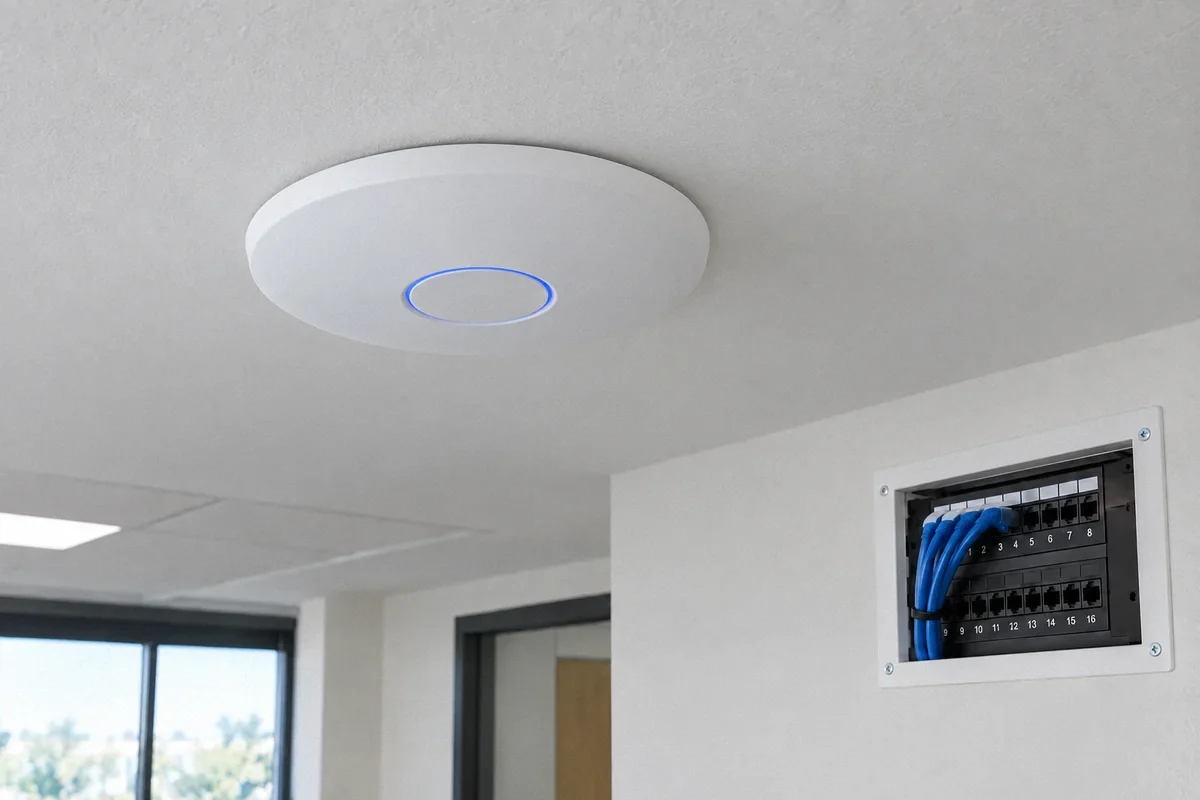
Networks for Homes & Home Offices
Wi-Fi Installation, Setup & Maintenance
Get help with dead zones, unreliable connections and new network equipment. Fox Electric installs, configures and maintains Wi-Fi networks across the San Francisco Bay Area and Santa Cruz.
Request Wi-Fi Help →Planning a company network? See Commercial Wi-Fi & Office Networks for offices, IT companies and commercial buildings.
Start with the problem
Where does your connection break down?
A faster plan or a new router may leave the same problem in place. We look at the connection from the provider equipment to the rooms and devices you use.
One room has no usable Wi-Fi
Compare reception near the router and in the affected room before upgrading your internet plan.
See the troubleshooting guideA mesh upgrade did not help
Check placement and the connection between units, including available Ethernet routes.
See the troubleshooting guideWork calls freeze or disconnect
Test the desk connection and upload activity during the conditions that cause the failure.
See the troubleshooting guideSmart devices will not connect
Review supported bands, security settings and the stage where setup stops.
See the troubleshooting guideThe garage or ADU is disconnected
Plan the link between buildings as well as Wi-Fi inside the second space.
See the troubleshooting guideThe router needs constant restarts
Record what fails and check shared equipment before another round of replacements.
See the troubleshooting guideWhat we do
From cable routes to connected devices
Choose a focused repair, an equipment upgrade or a new installation. The proposal identifies what will be supplied, configured, tested and supported.
Wi-Fi Installation & Coverage
Plan access-point locations around your rooms, walls and everyday use. Install and connect the agreed equipment, then check coverage where you need it.
- Access points and compatible mesh systems
- Home offices, shared spaces and multiple floors
- Garage and ADU connection planning
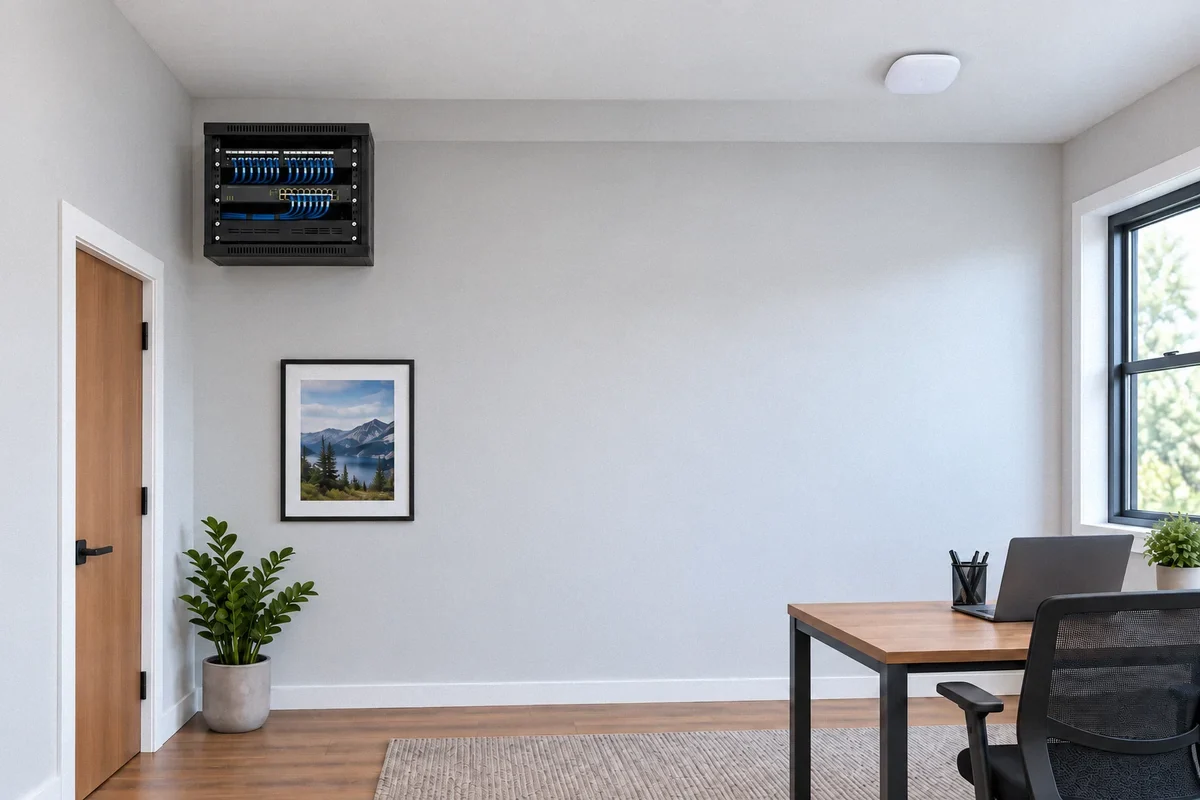
Router & Network Setup
Configure supported routers, switches and wireless equipment as one network. Review the equipment you already own before recommending replacements.
- Network names, passwords and supported security
- Guest access and compatible device networks
- Smart-device and printer connection checks

Troubleshooting & Repairs
Trace slow connections, dropouts and failed setup. Compare wired and wireless operation to separate local network problems from provider or device issues.
- Dead zones and intermittent disconnections
- Frozen calls and slow uploads
- Cables, ports and equipment connections

Maintenance & Equipment Changes
Keep the agreed network configuration documented and review supported updates, equipment condition and changed coverage needs.
- Firmware and configuration review
- Equipment replacement and reconnection
- Owner access, backups and handoff records
Working on the physical connections only? See Data & Low-Voltage Cabling. Adding connected lighting, controls or devices? See Smart Home Installation.
Equipment that fits the property
Mesh or wired access points?
An access point provides Wi-Fi near the rooms that need it. Its connection back to the router, called backhaul, can use Ethernet or a wireless link. That connection is a key part of the design.
We review existing routers, mesh units, switches, access points and network outlets. The choice depends on placement, cable access, compatible features and your devices. A brand name alone does not establish the right layout.
Compare the installation optionsExisting network improvement
Start here when a placement change, supported setting or targeted repair can address the problem.
Wireless mesh
Consider it where cabling is difficult and the units can maintain a dependable connection to one another.
Ethernet-connected Wi-Fi
Use suitable cable routes to connect compatible mesh units or access points near the spaces that need coverage.
Assessment to Handoff
Agree on the result, the installation work and the tests before changing the network.
Review the Problem
Identify the rooms, devices and activities that need a better connection. Review the provider equipment and existing cable routes.
Define the Work
Agree on equipment, locations, setup, access, any wall openings and testing. Equipment purchases and maintenance terms belong in the written scope.
Install & Configure
Install the agreed cabling and equipment, apply supported settings, and connect the devices included in the project.
Test & Hand Over
Check the agreed rooms and activities. Review the layout, owner access, configuration records and any issue that needs provider support.
A network you can manage
Know what was installed and how to use it
Define the handoff with the installation. Keep control of your management account and know who to contact when a device, the local network or the internet service needs attention.
- Equipment and layout. Agreed models, locations, connection labels and configuration records.
- Tests where they matter. Coverage and representative activities in the agreed rooms, with the conditions and limits recorded.
- Owner access. A secure handoff of administration and recovery access. Keep passwords out of the request form.
- Maintenance scope. Covered equipment, update arrangements and support responsibilities stated in writing.
Wi-Fi & Network Questions
Can you improve the network I already have?
Yes. We start with the symptoms, equipment and layout. Repositioning an access point, correcting a setting or adding a targeted cable run may be enough. Replacement is considered when compatibility, condition or capacity calls for it.
Do I need mesh Wi-Fi or wired access points?
It depends on cable access, building layout and how the network is used. Compatible mesh units can also use Ethernet connections. We compare the available options and test the proposed locations rather than choosing only from square-footage claims.
Do you install and configure routers, switches and access points?
Installation and configuration can be included together. Share the exact models if you already own equipment. Compatibility, management access, subscriptions and the devices included in setup are confirmed in the proposal.
Can you connect a detached garage, backyard office or ADU?
We can assess the route between buildings and the coverage needed inside. Depending on access and site conditions, the plan may involve a cable route, a suitable outdoor wireless bridge or a supported extension of the existing network.
Can you separate guest Wi-Fi from household devices?
With suitable equipment, we can configure guest access and agreed device separation. We also check that printers, smart-home controls and other permitted connections still work. Specific security or compliance requirements need their own defined scope.
What is included in ongoing maintenance?
Maintenance can include supported firmware updates, configuration backups, connection checks and equipment changes. The frequency, covered devices, remote access and response arrangements are agreed separately. An installation does not automatically include continuous monitoring or a support subscription.
How much does Wi-Fi installation or troubleshooting cost?
The scope depends on the number of locations, equipment, cable access, wall finishes, configuration and testing. We define the diagnostic or installation work before quoting it. Equipment, subscriptions and finish repairs should be identified separately where applicable.
Should I call Fox Electric or my internet provider?
Contact the provider for a confirmed service outage, account problem or fault with its incoming service. We assess local cabling, Wi-Fi coverage, equipment and agreed settings. When tests point upstream, the findings can help you explain the issue to the provider.
Discuss your project
Tell Us About Your Project
Choose a service, enter the project city, and share any details that may help us understand the work. You can edit these fields before sending the form.
Serving homes and businesses in the San Francisco Bay Area and Santa Cruz.
(650) 550-0719Fox Electric is the marketing name of Fox Electric LLC. CSLB #1145945, C-10.
Get in Touch
Tell Us Where the Connection Fails
Share the property location, equipment and the rooms or devices affected. Call (650) 550-0719 or request a network assessment.
Ask about the scope and fee for an assessment, diagnosis, or inspection before booking.
(650) 550-0719Six Guides to Better Wi-Fi
Start with the problem you recognize. Each guide explains what to check, which changes may help and when an installation assessment is useful.
Wi-Fi & Networking
Wi-Fi Dead Zones: Why One Room Has a Poor Connection
A faster internet plan may leave the same rooms disconnected. Find the weak part of the connection before choosing a router, mesh system, or cable run.
Read the guide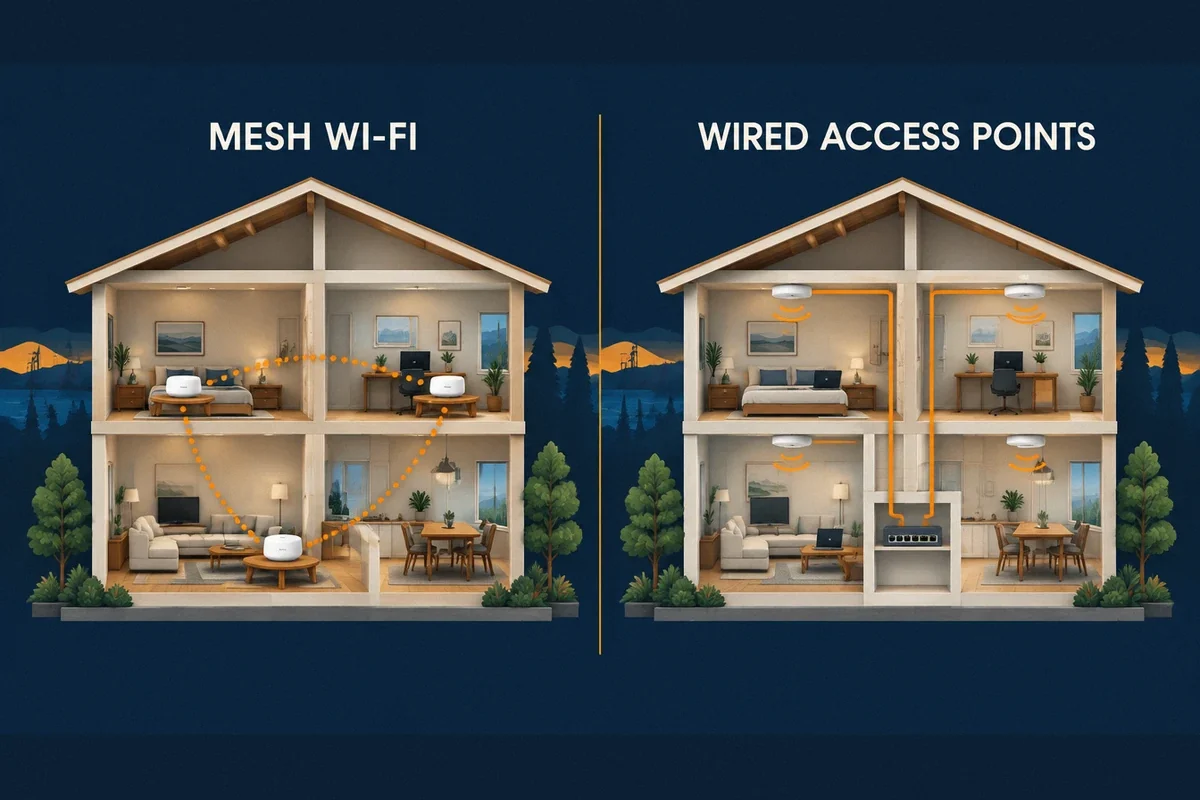
Wi-Fi & Networking
Mesh Wi-Fi, Extenders, or Wired Access Points?
The connection between Wi-Fi units often decides the result. Understand the tradeoffs before buying a multi-pack or replacing equipment that still works.
Read the guide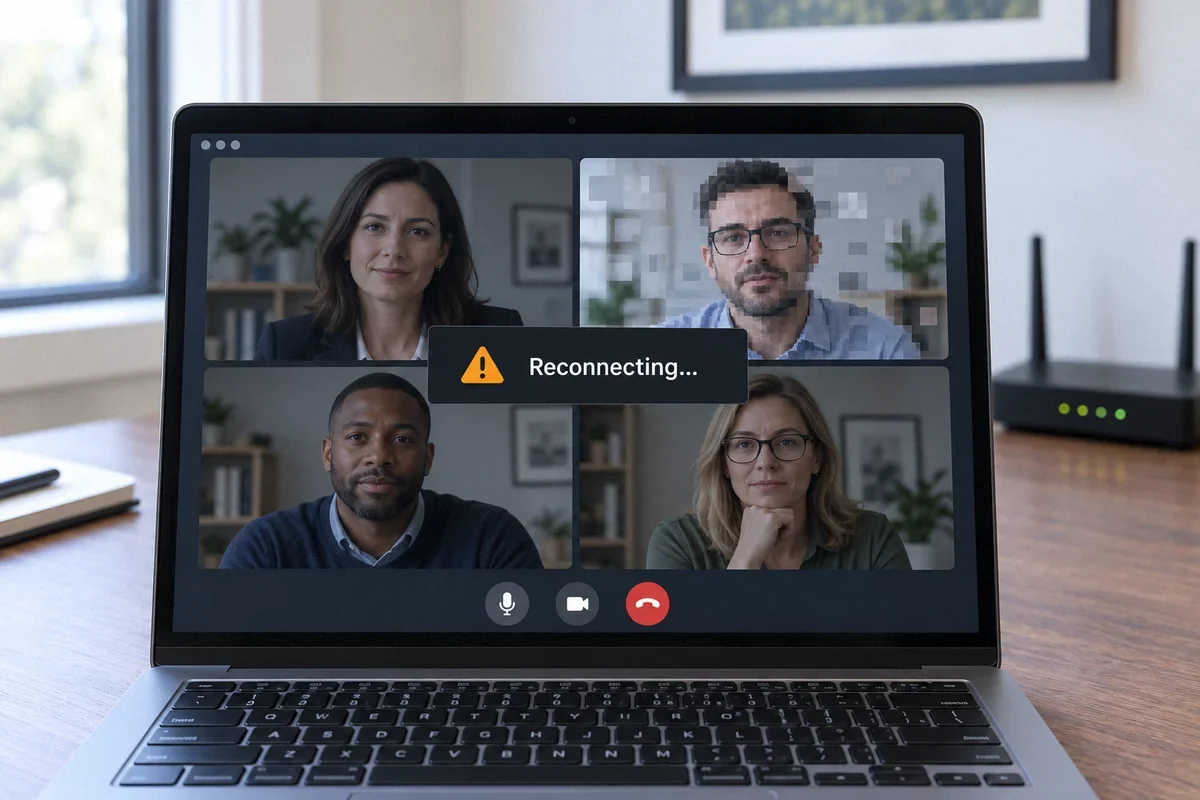
Wi-Fi & Networking
Why Video Calls Freeze Even When Your Internet Is Fast
A good download result does not explain every dropped call. Check the connection during a call and find out whether Wi-Fi, uploads, or the provider is involved.
Read the guide
Wi-Fi & Networking
Smart Devices Won’t Connect to Wi-Fi: What to Check
A working phone does not prove that a camera, thermostat, or smart plug can join the same network. Check the device’s requirements and where setup fails.
Read the guide
Wi-Fi & Networking
How to Get Reliable Wi-Fi in a Detached Garage or ADU
An extender inside the garage may repeat a weak signal. Plan the connection between buildings first, then provide Wi-Fi where it is needed inside.
Read the guide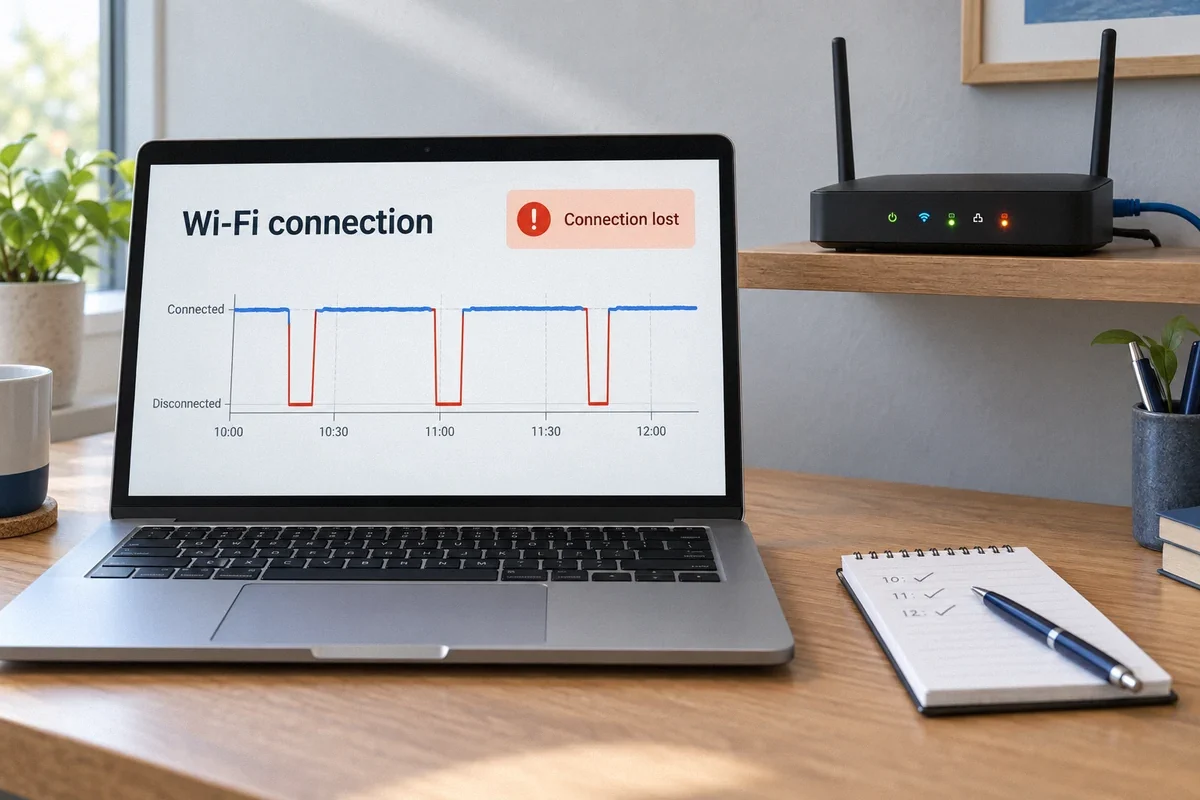
Wi-Fi & Networking
Wi-Fi Keeps Dropping: Stop Guessing and Find the Cause
Restarting the router may restore service without explaining the fault. Record what fails, when it happens, and whether wired devices stay connected.
Read the guide