If the same device works near the router but struggles in another room, investigate wireless coverage first. Compare it with a wired connection before paying for a faster internet plan.
Separate your internet service from your Wi-Fi coverage
Your internet provider brings a connection to the property. Your router shares that connection, and its wireless radio lets devices join without a cable. A fast connection arriving at the house can still reach an upstairs desk poorly. The number on your plan does not describe reception through your walls.
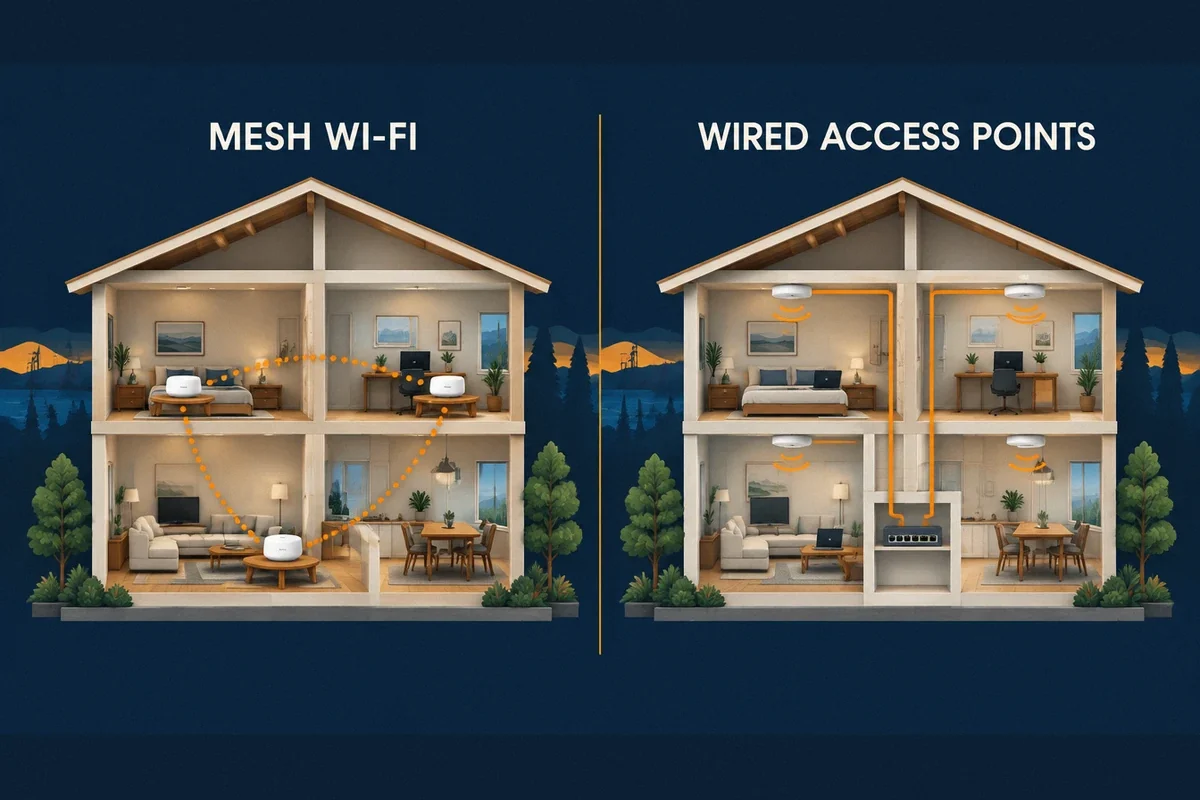
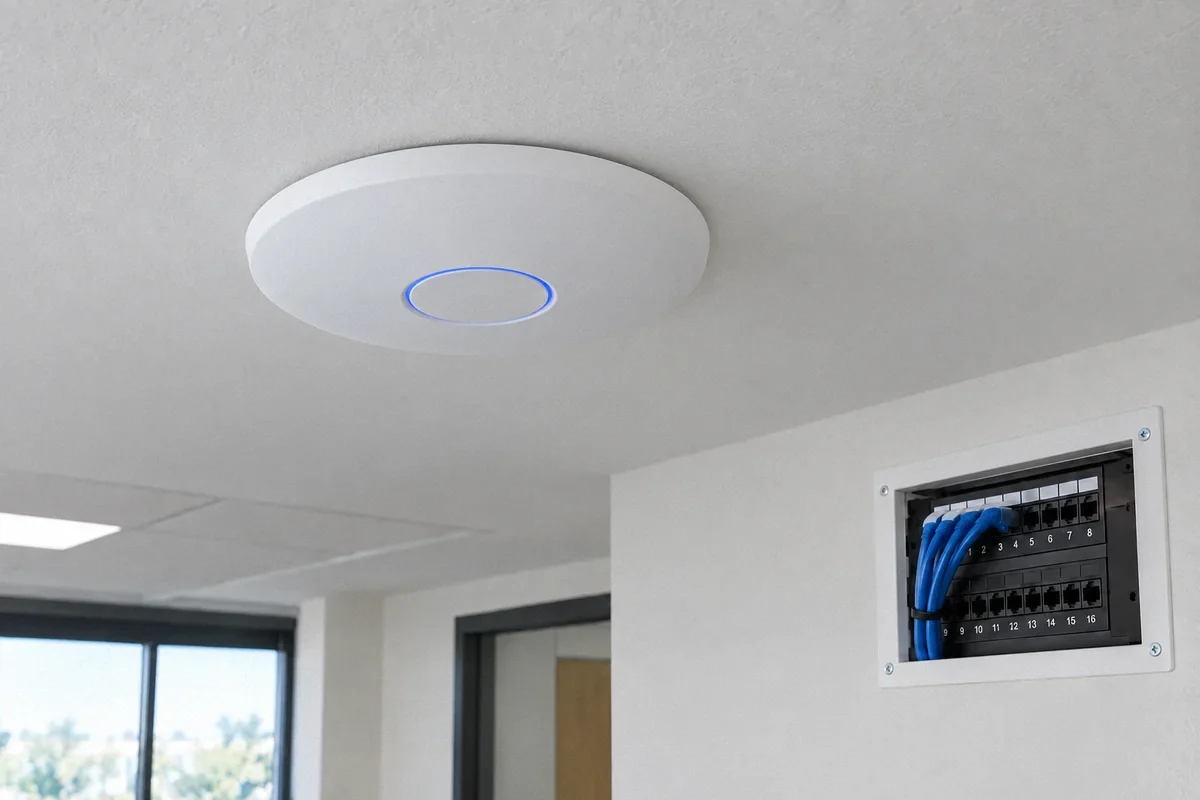
An access point is a device that provides Wi-Fi in a particular area. It needs a dependable connection back to the rest of the network. Adding one near a problem room can help, but its location and upstream connection matter as much as its advertised speed.
A dead zone can also be a device problem. If a phone works at the desk while a laptop repeatedly disconnects there, compare their settings and software before treating the entire room as the fault.
Make three comparisons with the same device
Use one laptop, one test service and a similar time of day. Pause large downloads for this initial comparison, then repeat during the conditions that usually cause trouble. Keep a short note of where and when each test ran.
- Connect the laptop by Ethernet to a LAN port on your router, if available, and temporarily turn off Wi-Fi on the laptop. This checks the wired connection through your router. Keep the temporary cable out of walkways.
- Disconnect that cable, turn Wi-Fi back on and test near the router. Confirm that the laptop is using the intended home network.
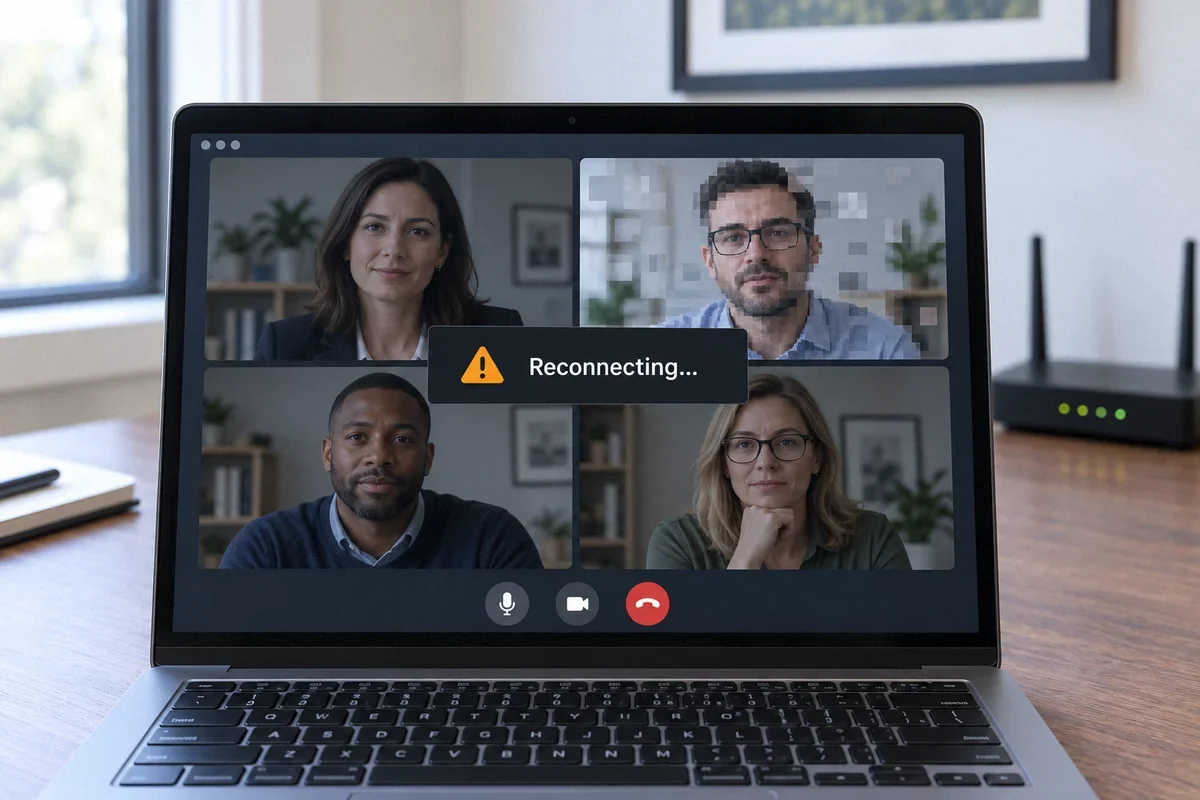
- Move to the problem room and repeat. Also try the activity that actually fails, such as a work call or streaming video, rather than relying only on a speed-test number.
Use the result to choose the next check
If Ethernet and nearby Wi-Fi both work while the distant room performs poorly, placement or coverage deserves attention. If the wired test also struggles, check provider service, router performance and concurrent use before adding wireless equipment.
If every test looks good but the connection fails intermittently, collect evidence during the failure. One successful test cannot rule out a problem that occurs only during evening use or when a particular device starts uploading.
- One room affected: compare doors open and closed, furniture placement and the distance from the access point.
- One device affected: test that device in another room and check its supported software updates.
- Several rooms affected at once: check whether wired equipment also loses service.
Improve placement before adding more equipment
A router hidden in a cabinet or placed at the far end of the home is a poor starting point for whole-home coverage. Google recommends open placement and checking the connection between mesh points. Try an accessible, unobstructed location before buying another unit.
Walls, floors and the layout of the building change the path a wireless signal must take. Do not assume that two houses with the same square footage need the same equipment. In a finished Bay Area home, finding a usable cable route may be more valuable than adding another wireless repeater.
A wireless mesh node placed inside the dead zone may have the same weak connection as your laptop. Test a location between the router and the affected area, then verify the result in the room where you need service.
Choose an installation that addresses the weak link
Where Ethernet is available, a compatible wired access point can bring Wi-Fi closer to the room without relying on a weak wireless link through the house. Where cabling is impractical, a carefully placed mesh system may be a reasonable compromise. Existing coaxial cable can sometimes provide another route with compatible adapters, after the layout and provider requirements are checked.
For an assessment, identify the rooms that matter most, the router model, existing wall outlets and the devices that fail. Fox Electric can review placement, equipment setup and cable options through its Wi-Fi and network service. The useful outcome is a connection tested where you work and live, with any remaining limits explained.
Sources and further reading
Technical references reviewed September 27, 2026. Menus and supported features vary by equipment model and software version.
- Google: where to place Wi-Fi devices
- TP-Link: distinguishing unstable router and upstream connections
Customer question: A homeowner describes room-to-room dead zones. This community discussion illustrates the problem; it is not a verified diagnosis or a Fox Electric customer review.