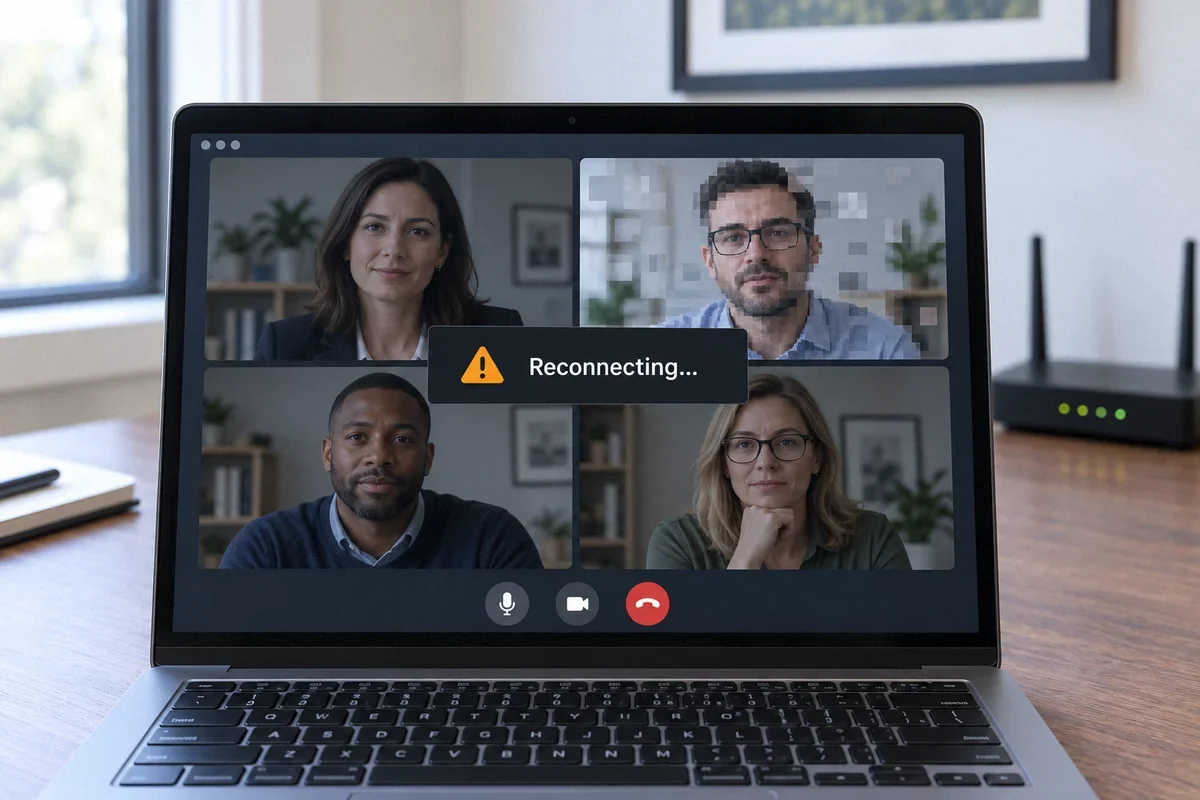
Compare a call over Ethernet with one over Wi-Fi, then repeat while other household activity is running. Calls depend on timely packet delivery as well as available download and upload capacity.
Why a speed test can miss the problem
A download test measures how much data can arrive over a period of time. A conversation also depends on small pieces of data arriving consistently in both directions. You may have enough capacity for streaming video and still experience broken audio or a frozen meeting.
Latency is the time data takes to travel. Jitter is variation in that timing. Packet loss means some of the transmitted data does not arrive. Zoom exposes these measurements in its statistics, which can help describe a problem more precisely than saying the internet is slow.
A call can also fail for reasons outside your home network, including a remote participant’s connection, the application or a work service. If only one person sounds broken to everyone, replacing your router is an unlikely first step.
Run a controlled comparison at your desk
Use the same computer and meeting application. Change one condition at a time, and record whether the symptom improves. Schedule checks when they will not interrupt an important meeting.
- Try a call with the computer connected by Ethernet to a LAN port on your router. Turn off Wi-Fi on that computer for the comparison so the connection method is clear.
- Repeat over Wi-Fi at the desk. If only the wireless call fails, compare a location closer to the access point.
- Repeat while another device performs the activity that usually coincides with the problem, such as a cloud backup. Pause it and compare again.
- Look at the meeting application’s connection statistics during the failure. Note the time, connection method and affected participants without sharing meeting content.
Check what else is using the connection
Photo backups, camera uploads and large file transfers may use the same upload capacity that your meeting needs. This is particularly noticeable when an internet plan has much less upload capacity than download capacity.
When equipment queues too much traffic during congestion, waiting packets can add delay. This is often called bufferbloat. If problems appear during a large transfer and disappear when it pauses, you have a useful clue, not yet a complete diagnosis.
Some routers provide traffic management or smart queue features. These need to match the router and the connection. Ubiquiti’s Smart Queues guidance includes bandwidth limitations and does not recommend enabling the feature indiscriminately. Have the setting evaluated and tested; turning every priority option on can create a different problem.
Choose the fix that matches the comparison
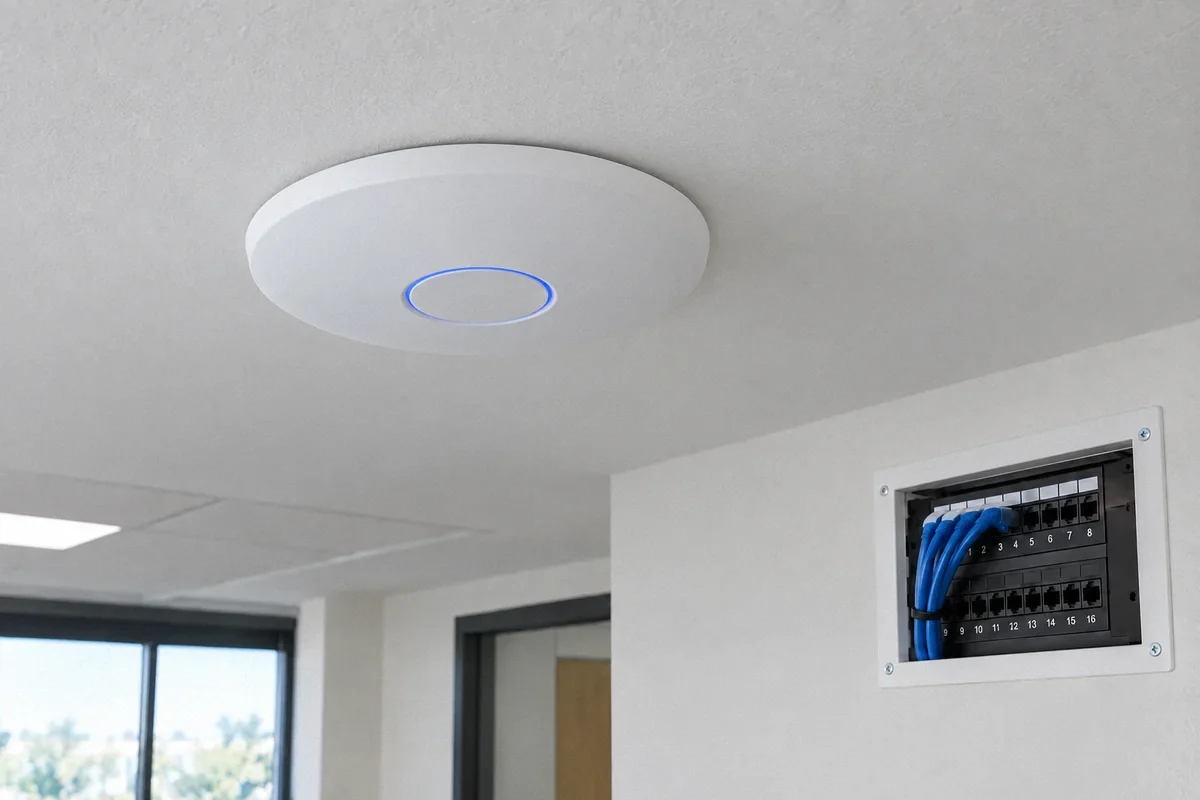
If Ethernet is stable and Wi-Fi fails at the desk, a wired desk connection or better access-point placement is a practical next step. If both fail only during heavy household uploads, review scheduling and supported traffic-management settings.
If both wired and wireless calls fail while the connection is otherwise quiet, collect timestamps and contact the provider or your IT team as appropriate. A work VPN is a connection controlled by your employer; ask IT before changing or bypassing it. A problem confined to one application may need that application’s support.
Also compare the computer itself. If another device works at the same desk, check the affected computer’s software, network adapter and resource use. Network equipment is only one part of the call path.
Define success as a usable call
For a home-office visit, prepare the router model, provider plan, desk location and a short description of the failure. Keep two or three examples with times and note whether other people were online. Never send account passwords in a service request.
After an installation or configuration change, repeat the same comparison and a representative call. Save the test conditions with the results. One high speed-test number in an empty room is not a useful substitute for checking your working setup.
Fox Electric’s Wi-Fi and network service can assess local coverage and equipment, configure agreed settings, or plan an Ethernet connection to the desk. Provider outages and employer-managed systems require coordination with the responsible support team.
Sources and further reading
Technical references reviewed September 27, 2026. Menus and supported features vary by equipment model and software version.
- Zoom: accessing meeting and phone statistics
- Zoom: network connectivity diagnostics
- Ubiquiti: Smart Queues and their limitations
Customer question: A home-office user describes repeated dropped calls. This community discussion illustrates the problem; it is not a verified diagnosis or a Fox Electric customer review.