
Offices, IT Companies & Commercial Buildings
Commercial Wi-Fi & Network Installation
Connect your workstations, meeting rooms and shared spaces. Fox Electric installs, configures and maintains office network infrastructure across the San Francisco Bay Area and Santa Cruz.
Plan Your Network →Plan around the people using it
A network for the way your team works
An office can have a strong Wi-Fi signal and still struggle when a meeting room fills up. We review where people work, which activities depend on the connection and how the network reaches each area.
IT & Technology Companies
Connect desks, collaboration spaces and test devices. Coordinate the physical installation and supported network settings with your internal IT team or managed service provider.
Office Moves & Expansions
Plan new workstations, meeting rooms and access-point locations before move-in. Review existing cabling and equipment so the proposal identifies what can stay and what needs to change.
Commercial Buildings
Coordinate floor access, shared equipment rooms and tenant boundaries with building management. Define who owns each network and which areas are included in the installation.
Installation, setup & service
From the network rack to the meeting room
Bring us an approved IT plan or start with the areas that need improvement. The proposal identifies the equipment, installation work, configuration and testing included.
Office Wi-Fi Planning & Installation
Review the floor plan, wall construction, user locations and busiest periods. Place wireless access points, the devices that provide Wi-Fi, around both coverage needs and the number of active devices.
Open offices, private rooms, shared spaces and multiple floors.
Ethernet Cabling & Network Racks
Install agreed cable runs, network outlets, patch panels and equipment mounting. Label connections and identify routes between work areas and the network rack.
Cable types, test records, ceiling access and finish work defined in the proposal.
Switches, Routers & Access Points
Install supported equipment and configure it to the approved network plan. Check switch ports and Power over Ethernet (PoE), which supplies power to compatible devices through a network cable.
Review existing hardware, management access, licensing and compatibility first.
Staff, Guest & Device Networks
Configure agreed separation for staff, visitors, printers and other connected equipment. A virtual local area network (VLAN) creates a separate network segment; access rules determine which connections are allowed.
Check permitted access and blocked paths with your IT contact.
Meeting Rooms & Shared Workspaces
Provide wired connections for the agreed conference equipment and check Wi-Fi where participants sit. Test calls and screen sharing with your team using representative devices.
Coordinate network connections with the room’s audiovisual provider.
Troubleshooting & Maintenance
Investigate recurring dropouts, slow connections and equipment faults. Review supported updates, configuration backups and changes in office use under a defined maintenance scope.
Covered equipment, service windows and support arrangements agreed in writing.
Planning a wider build-out? See Tenant Improvements and Data & Low-Voltage Cabling.

Check the busy rooms
Plan for meetings, calls and shared workloads
Include full meeting rooms, shared desks and simultaneous uploads in the assessment. A quiet-office speed test alone does not show how the network behaves during the activities that cause trouble.
We compare wired and wireless connections and review the equipment serving the affected area. If findings point to the internet provider, an application or an employee device, document that dependency with your IT contact.
Read the video-call troubleshooting guideWork with your IT team
Define ownership before the change window
For technology companies, an installation must fit the existing IT environment. We coordinate equipment access and proposed changes with the people responsible for the network.
You can retain configuration in-house, or include supported configuration work in our scope. Record who approves the change, who can restore the previous setup and who accepts the completed work.
- IT and security contact. Approves network design, access policies and connections to company systems.
- Facilities and building management. Coordinates tenant access, cable routes, equipment rooms and work-hour restrictions.
- Fox installation scope. Covers the approved cabling, mounting, equipment work, configuration and tests named in the proposal.
- Handoff and service. Identifies the owner of administration accounts, installation records and future support requests.
Site Review to Handoff
Coordinate the work with your IT contact, facilities team and building schedule.
Review the Site
Walk the work areas with your IT or facilities contact. Review floor plans, user counts, equipment, symptoms and building access.
Agree on the Plan
Confirm equipment, cable routes, network responsibilities and acceptance checks. Identify approvals, subscriptions and any specialist work.
Install & Transition
Coordinate access and the change window. Install and label the agreed infrastructure, then apply approved settings with a rollback plan.
Verify & Hand Over
Run the agreed checks with your team. Deliver installation records, document outstanding dependencies and confirm who handles ongoing support.
Acceptance & documentation
Check the results your team depends on
Define the rooms, devices, activities and records that will be checked before work starts. Any formal coverage survey, specialist certification or performance target belongs in the written scope.
Workstations & Shared Equipment
Verify the agreed Ethernet outlets, equipment connections and labels. Record the cable test method and results included in the scope.
Coverage & Everyday Work
Check the agreed rooms and representative client devices. Test typical calls and transfers, and record the conditions instead of relying on one speed test.
Movement Between Work Areas
Where required, test a device moving between access points. Review interruptions with the actual client device and application used by the team.
Access & Ownership
Check guest restrictions and required access to shared resources. Transfer administration, recovery information and configuration records through an agreed secure process.
Office Network Questions
Can you work with our internal IT team or managed service provider?
Yes. We can scope the installation around your IT team’s equipment standards and approved design. Before work starts, identify who owns network settings, firewall policies, administration access and acceptance testing. Your IT provider can retain configuration responsibility while Fox handles the physical installation.
Can you cover several floors or tenant spaces?
We assess each included area, the routes between floors, equipment locations and access permissions. Shared building infrastructure and individual tenant networks need clear ownership and access rules. Equipment quantities follow the site requirements rather than a fixed square-footage formula.
Can we keep our existing switches and Wi-Fi equipment?
We review model numbers, condition, support status, available ports and management access before recommending replacements. Share any standards set by your IT department. Compatibility and any required subscriptions are confirmed for the proposed scope.
Can you separate visitor Wi-Fi from company devices?
With suitable equipment, guest and device separation can be configured to the policy approved by your IT team. Different Wi-Fi names alone do not establish isolation. The agreed checks should confirm that restricted resources are blocked while required services remain accessible.
How do you plan work in an occupied office?
Tell us which systems must remain available and when changes are permitted. We define affected areas, access, shutdowns, restart checks and a rollback approach before work begins. Evening or weekend arrangements depend on the project and confirmed availability.
What does a maintenance agreement include?
The agreement identifies covered hardware, approved updates, backup records, review intervals and responsibility for troubleshooting. Remote access, monitoring and response commitments are included only when specifically agreed. An installation does not automatically include ongoing IT help-desk service.
Do you manage servers, cloud accounts and cybersecurity?
This service focuses on network infrastructure and the configuration included in the proposal. Servers, employee devices, cloud systems, identity services and security compliance remain with the designated IT or security provider unless a separate scope expressly assigns that work. Dependencies are reviewed before changes are made.
What should we provide for an assessment?
Start with the address, floor plans if available, approximate staff and device counts, affected areas, current equipment and target schedule. Include your IT contact and any landlord requirements. Do not send passwords, private keys or other credentials through the request form.
Discuss your project
Tell Us About Your Project
Choose a service, enter the project city, and share any details that may help us understand the work. You can edit these fields before sending the form.
Serving homes and businesses in the San Francisco Bay Area and Santa Cruz.
(650) 550-0719Fox Electric is the marketing name of Fox Electric LLC. CSLB #1145945, C-10.
Get in Touch
Plan Your Office Network
Share the location, floor layout, approximate device count and project timeline. Call (650) 550-0719 or request a callback for your commercial network project.
Ask about the scope and fee for an assessment, diagnosis, or inspection before booking.
(650) 550-0719Need help at home? Visit Home Wi-Fi Installation & Maintenance.
Network Guides for Office Teams
Explore connection problems, equipment choices and the evidence to collect before a network assessment.
Wi-Fi & Networking
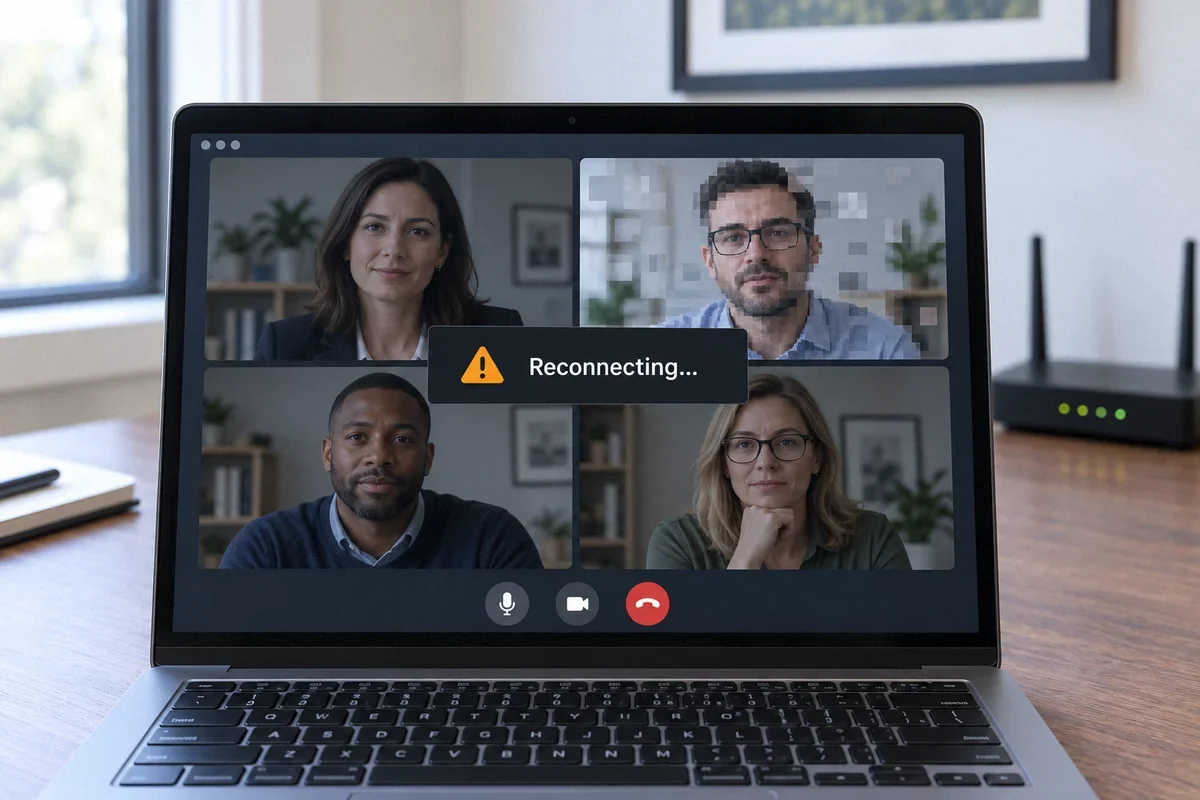
Why Video Calls Freeze Even When Your Internet Is Fast
A good download result does not explain every dropped call. Check the connection during a call and find out whether Wi-Fi, uploads, or the provider is involved.
Read the guide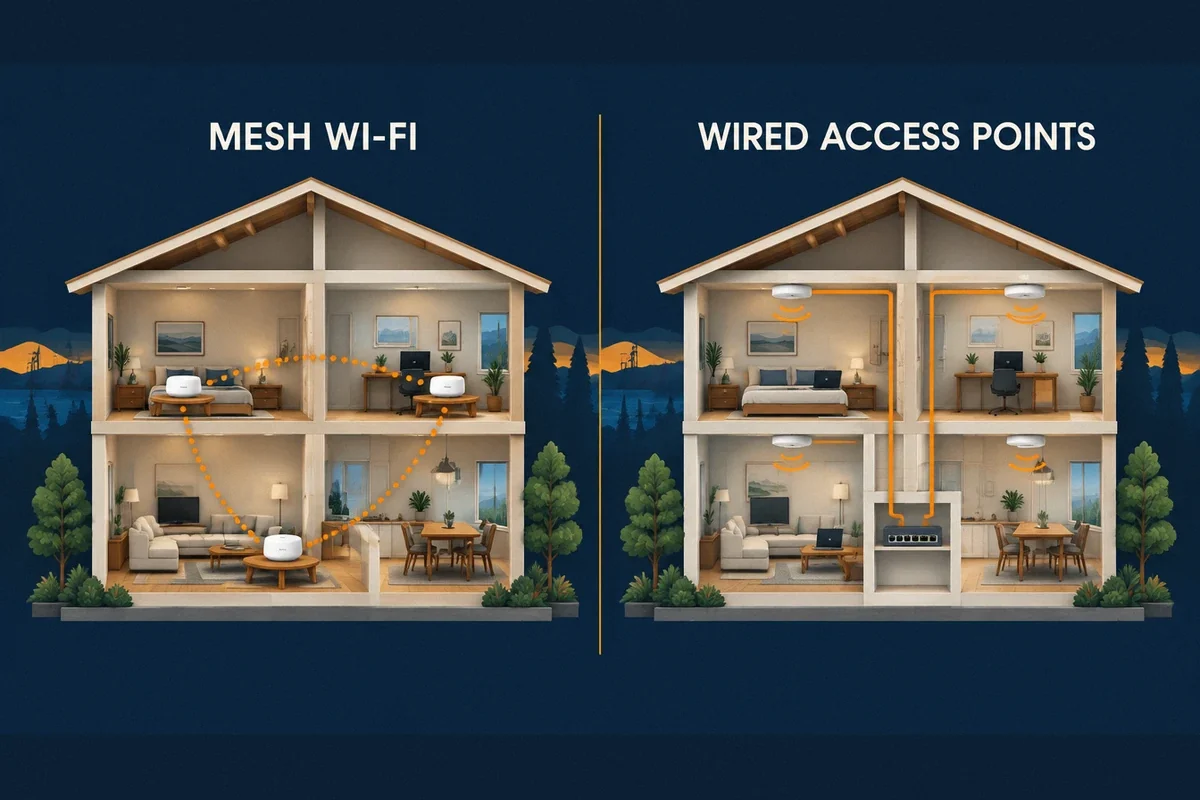
Wi-Fi & Networking
Mesh Wi-Fi, Extenders, or Wired Access Points?
The connection between Wi-Fi units often decides the result. Understand the tradeoffs before buying a multi-pack or replacing equipment that still works.
Read the guide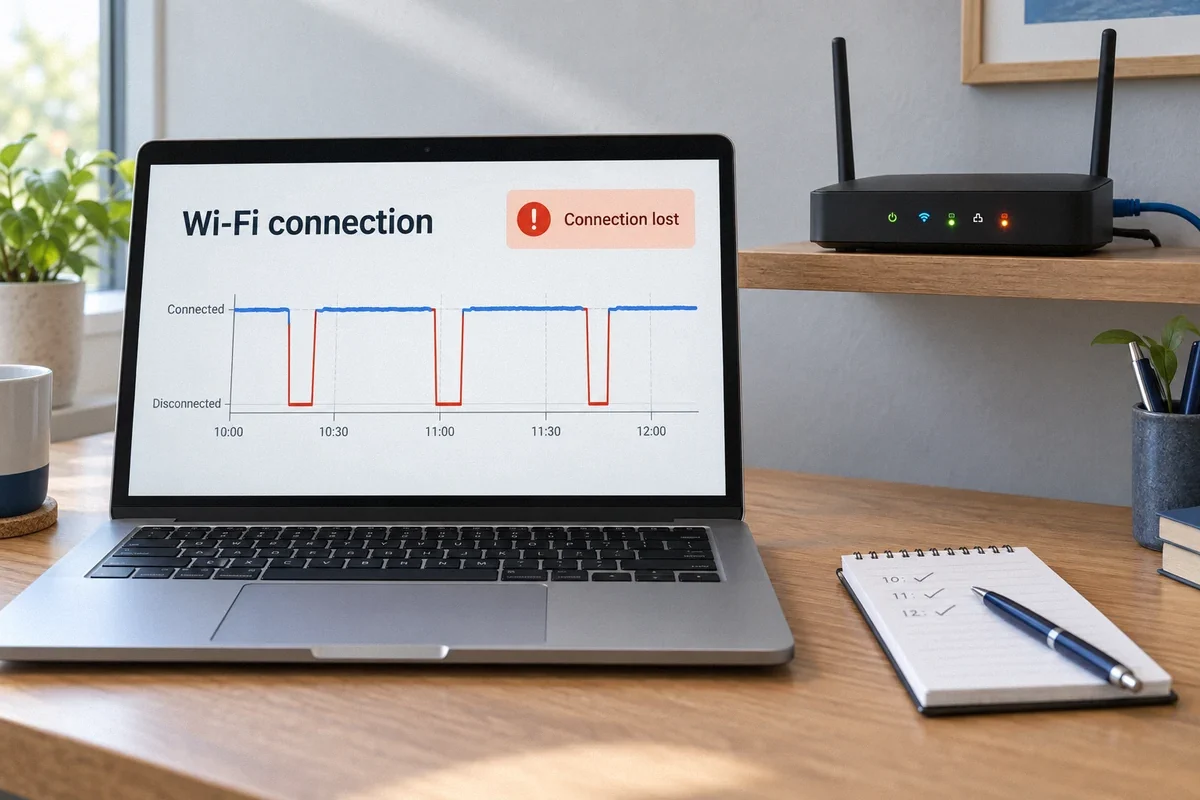
Wi-Fi & Networking
Wi-Fi Keeps Dropping: Stop Guessing and Find the Cause
Restarting the router may restore service without explaining the fault. Record what fails, when it happens, and whether wired devices stay connected.
Read the guide