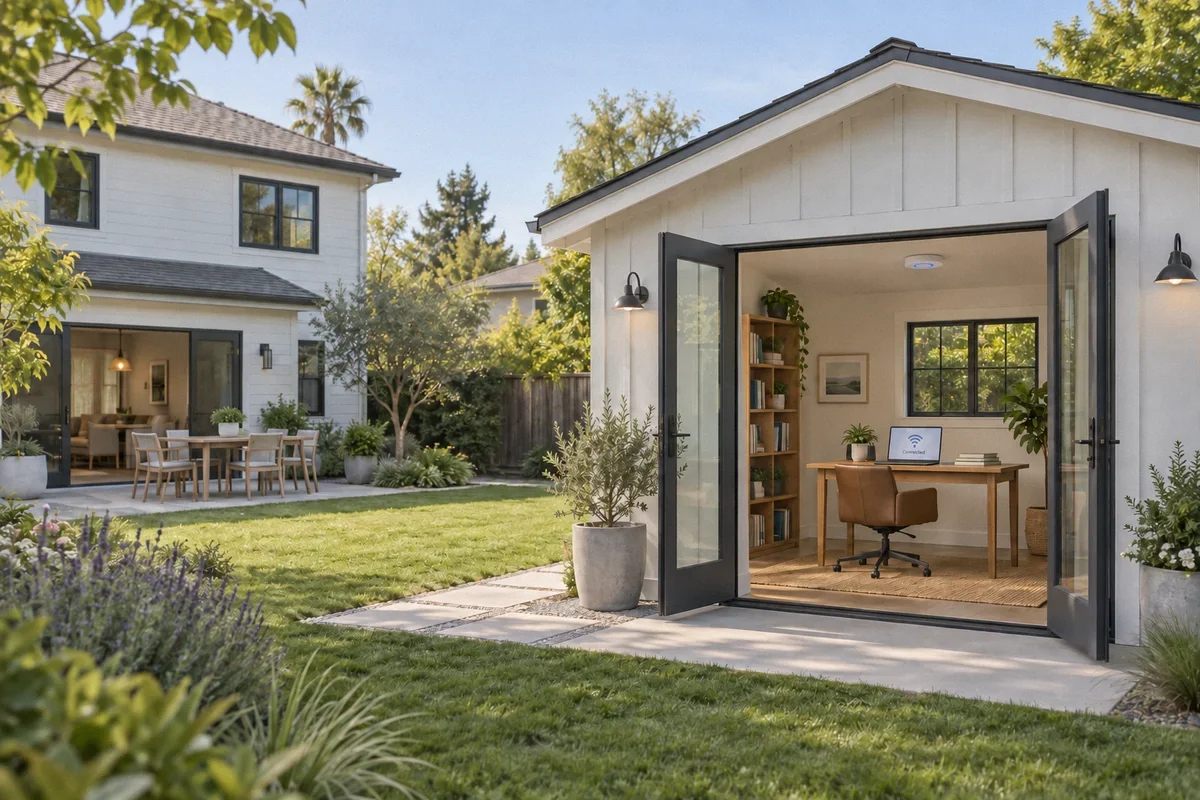
Treat this as two connections: a link from the main building to the garage or accessory dwelling unit, then Wi-Fi inside that space. Choose the building link after reviewing distance, obstacles, access and intended use.
Separate the outdoor link from indoor coverage
An accessory dwelling unit, or ADU, may need the same everyday connection quality as the main home. A garage used only for a door controller has different demands from a rented unit or a full-time office. Start with the intended use rather than a particular router model.
A weak signal reaching a garage cannot always be repaired by adding an extender inside it. The extender still needs a usable connection to the house. Metal doors, exterior walls and the path between buildings can affect that connection.
Once a dependable link reaches the second building, an indoor access point can provide local Wi-Fi. Some equipment combines functions, but the design still needs to account for both parts of the path.
Gather the information that changes the design
A few property details will eliminate unsuitable options before equipment is purchased. Photos should show routes and mounting locations without revealing account information.
- Distance and sightline between the buildings, including trees, fences and other obstructions.
- Available conduit, existing cables and accessible routes into each building.
- Electrical power and practical mounting locations for the selected equipment.
- Whether the space needs work calls, cameras, streaming, tenant access or only occasional use.
- Who controls the internet account, who needs administration access and whether users must be separated.
Compare a cable route with a wireless bridge
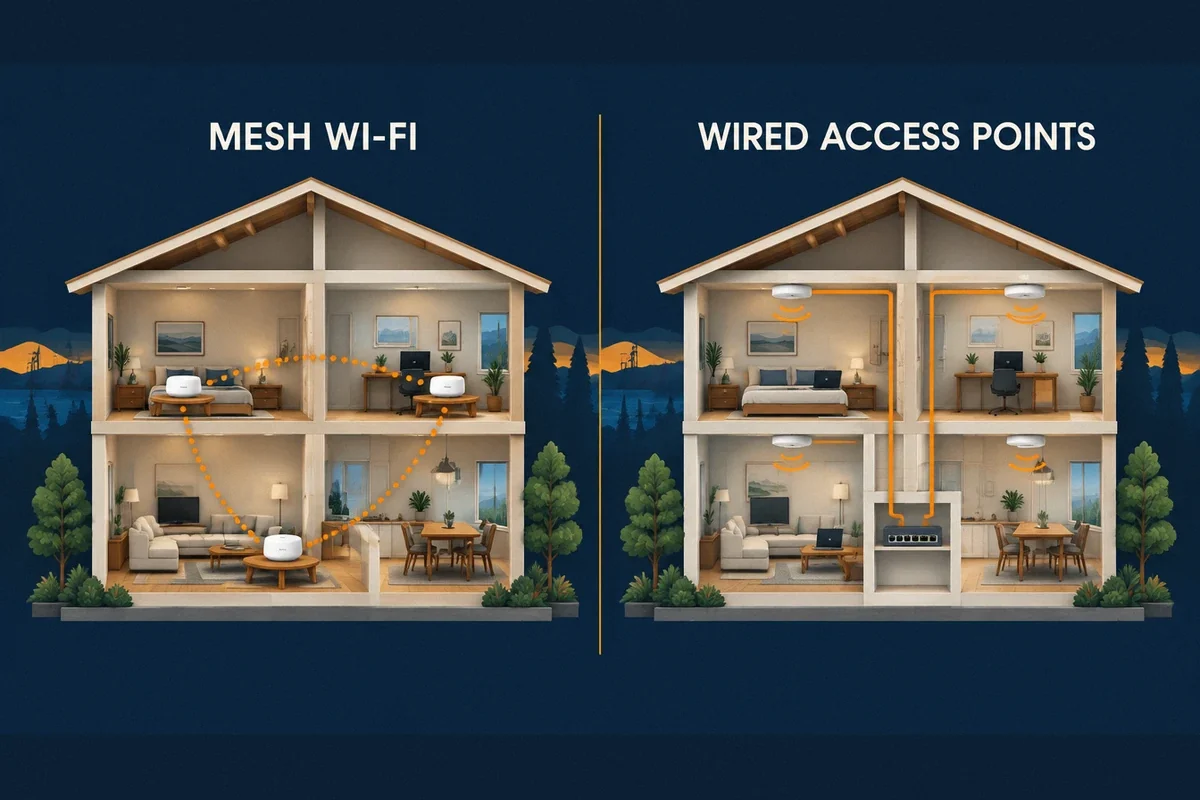
A suitable installed cable route provides a physical connection between the buildings. Fiber is often considered because the optical path does not create an electrical connection through copper data conductors. The complete design still needs suitable cable, pathway, termination and powered equipment at the ends.
Do not treat a loose indoor Ethernet cable across the yard as a permanent installation. Cable exposure, building entry, excavation and protection need a site-specific plan. The appropriate materials and any required permits depend on the actual route and work.
Where a new cable route is impractical, a point-to-point wireless bridge uses equipment positioned at both ends to connect the buildings. It is different from expecting a laptop to reach a distant indoor router. Ubiquiti’s bridge documentation illustrates that distinction and the importance of the radio path.
A bridge still requires equipment power, mounting and a connection to the local network. Line of sight, clearance around the signal path, foliage and weather can affect a design. Do not choose equipment solely from its maximum advertised distance.
When a simple mesh extension is worth testing
If the buildings are close and a mesh point receives a strong connection at a useful location, an existing supported system may be enough for modest needs. Test it before assuming that you need a larger installation.
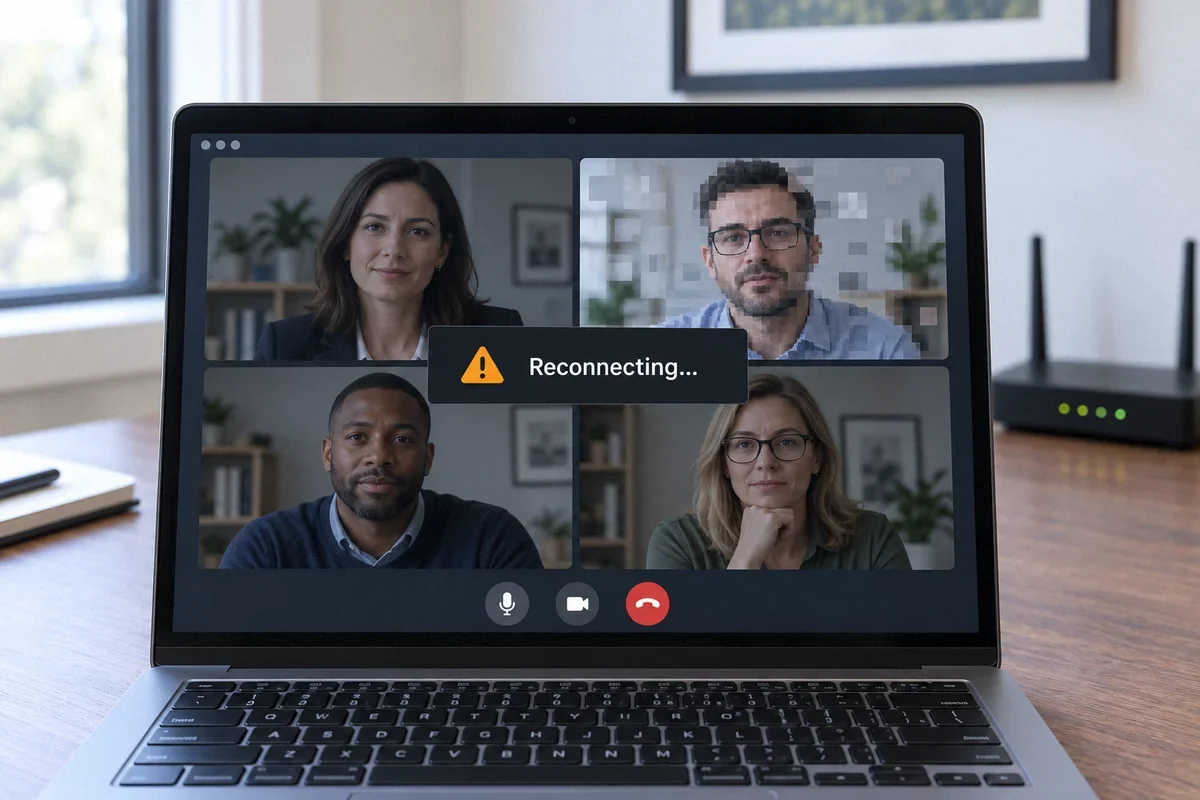
Run the test with the garage door closed and at the desk or device location. Check upload performance and a real call if the space is an office. Repeat when the main house is busy. A signal indicator near a window does not tell you how the far side of the garage will perform.
Consumer mesh products also have product-specific limits and supported use cases. Check whether your system supports the proposed arrangement across buildings. An indoor unit needs the environmental conditions specified by its manufacturer.
Plan privacy and ownership before installation
For a tenant or guest space, decide which devices may communicate with the main home and who can change settings. A different Wi-Fi name by itself does not prevent access to the same local network. Isolation needs supported settings and verification.
Check the provider’s service terms if the connection will serve another dwelling or tenant. A separate subscription may fit the arrangement better, depending on available service and the owner’s responsibilities.
Fox Electric can assess the property and define equipment, cable routes, configuration and testing in a written scope. Ask the proposal to identify the building link, indoor coverage, any finish repairs and the support handoff. Those details make the options easier to compare than a list of router prices.
Sources and further reading
Technical references reviewed September 27, 2026. Menus and supported features vary by equipment model and software version.
- Ubiquiti: directional bridge connectivity roles
- Ubiquiti: Building Bridge technical datasheet
- Google: Wi-Fi placement and supported network use
Customer question: An ADU owner describes a weak extender connection. This community discussion illustrates the problem; it is not a verified diagnosis or a Fox Electric customer review.